Workflows and tickets
Tickets are where workflows meet your team. A ticket can start a workflow, host its approvals and questions, and collect the replies that resume a paused run, all on one timeline instead of a scatter of notifications.
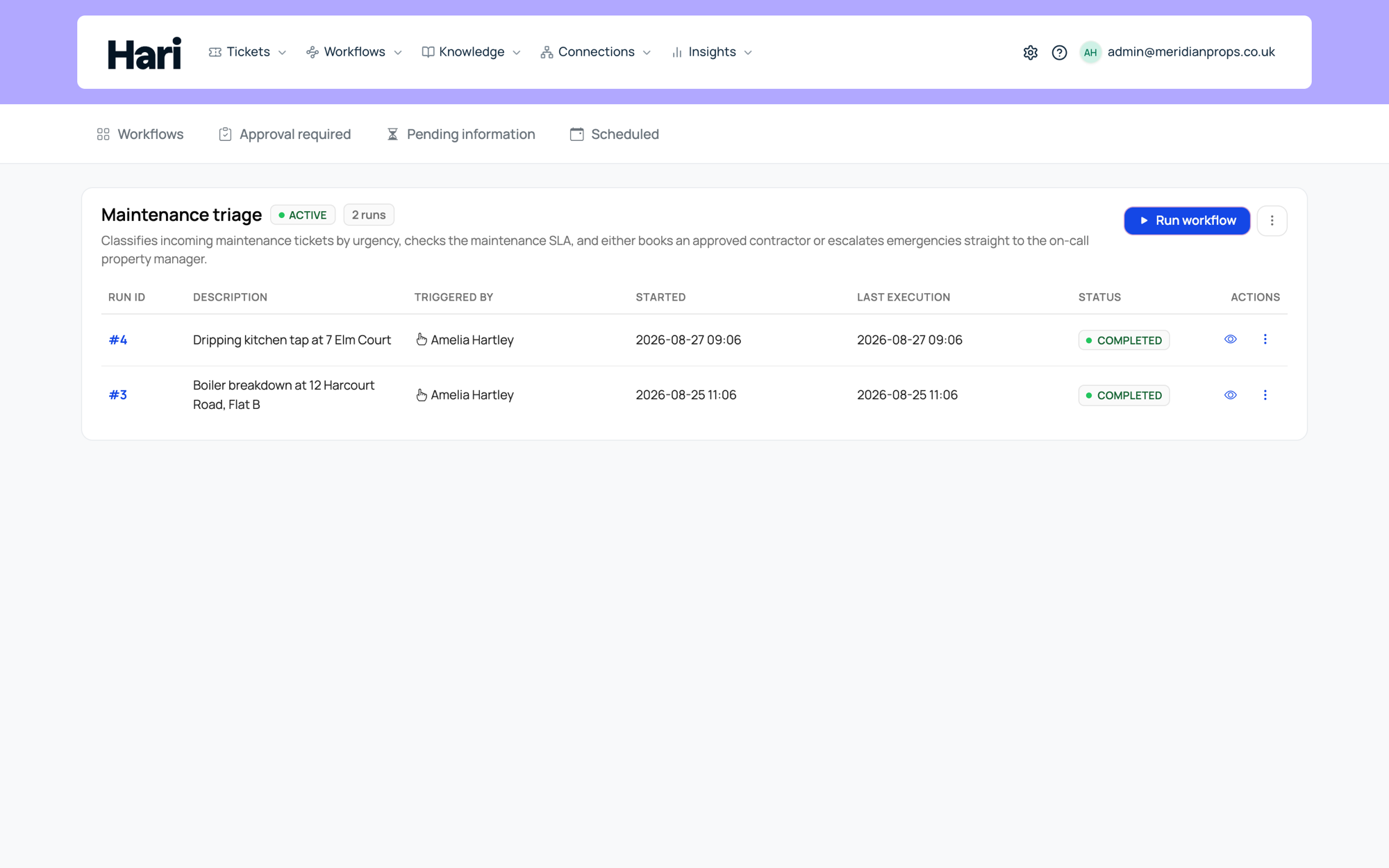
Three ways they work together
As a trigger. A workflow can start when a new ticket is created, when a new message arrives, or when an internal note is added, if your admins enabled those triggers for that workflow. Messages the workflow generates itself are ignored as triggers, so the same flow does not re-trigger forever.
As a linked run. A workflow run can be attached to a ticket your team is already viewing. Updates from the workflow (questions, approvals, outcomes) appear in the ticket thread when configured, so support sees a single timeline rather than a separate system to check.
Started from the ticket. The Automations section on a ticket can suggest a matching workflow. Start runs it. If the workflow needs details first, Set up collects them and brings you back to the ticket. Not this one clears the suggestion. Run a workflow or Run another starts a different one. Runs already on the ticket show their status. A finished run opens its history. A run that takes place in a cloud workspace opens that conversation once it is ready.
As the place for human input. A paused workflow can wait for a reply on the ticket. When someone posts a normal message, the workflow resumes and reads the new context; the exact behavior depends on how the step was configured. This is the same surface where approvals appear, and it is where chat conversations land when Harriet escalates to your team through the channels described in Channels.
A typical flow: someone opens a ticket about a broken door lock, a workflow triggered on new ticket asks structured questions on the thread (building, floor, urgency), waits for the answers, then routes internally when complete.
When a run gets a ticket
Whether a new ticket appears depends on how the workflow started and how it is configured.
- Started from chat: Harriet creates a ticket only when that workflow has ticket creation enabled. New workflows leave this off, so a chat run stays ticketless until someone turns it on. Existing workflows keep whatever they already had. When a ticket is created, it becomes the usual place for approvals and follow-up messages tied to the run.
- Started by a ticket trigger: the workflow already has a thread, so Harriet continues on the same ticket rather than opening another.
- Started by a schedule, webhook, or other event: no ticket is auto-created just because the trigger fired. If human visibility is needed, build a step that explicitly creates or updates a ticket, or start the flow from chat when a tracked thread is wanted.
A team member typing "Start vendor onboarding" in web chat gets ticket #4521 with the run attached; the same checklist fired by a midnight schedule might only write to the run history unless the workflow includes a create-ticket step.
Viewing an original email
Hover over an incoming email message and select View original email. It is its own pill on the same line as the emoji buttons. On a narrow message that pill shows an envelope icon instead of the words. You can also reach it with the keyboard, or reveal it with a long press on touch screens. The email opens in a window over the conversation and loads when you open it. Close the window to return to the conversation.
The link appears when the original HTML is available. It may not appear on older messages or plain-text emails, and it disappears if the message is edited or removed. Images embedded as email attachments may not display. Remote images can load when you open the original email.
Keeping the noise down
Because workflow-posted messages never count as triggers, a run can post updates on the ticket it was triggered by without setting itself off again. Two habits keep the rest tidy:
- Align triggers with the right inbox or group so a finance workflow does not fire on IT tickets by mistake.
- Avoid bot-style test messages on live tickets while debugging; they can trigger the wrong automation.
If people are surprised by new tickets, turn off Create ticket when run from chat in Settings → Triggers, or coach them to use chat only when they want a tracked thread. Privacy-sensitive flows should leave ticket creation off so an internal-only run is enough.