Built on Harriet
AI Apps
Chatbots, human-in-the-loop ticketing, and a visual workflow builder. Three apps that plug into your control plane and deploy in one place.

Hey, what's our holiday policy?

We provide unlimited holidays, but please let your teammates know before you book 😀
See full policy on ConfluenceChatbots
Hosted chatbots with a built-in knowledgebase. Point them at your docs, your site, or your drives. Embed anywhere.
- Knowledgebase-native: answers only from sources you provide
- Web widget, Slack, embeddable SDK
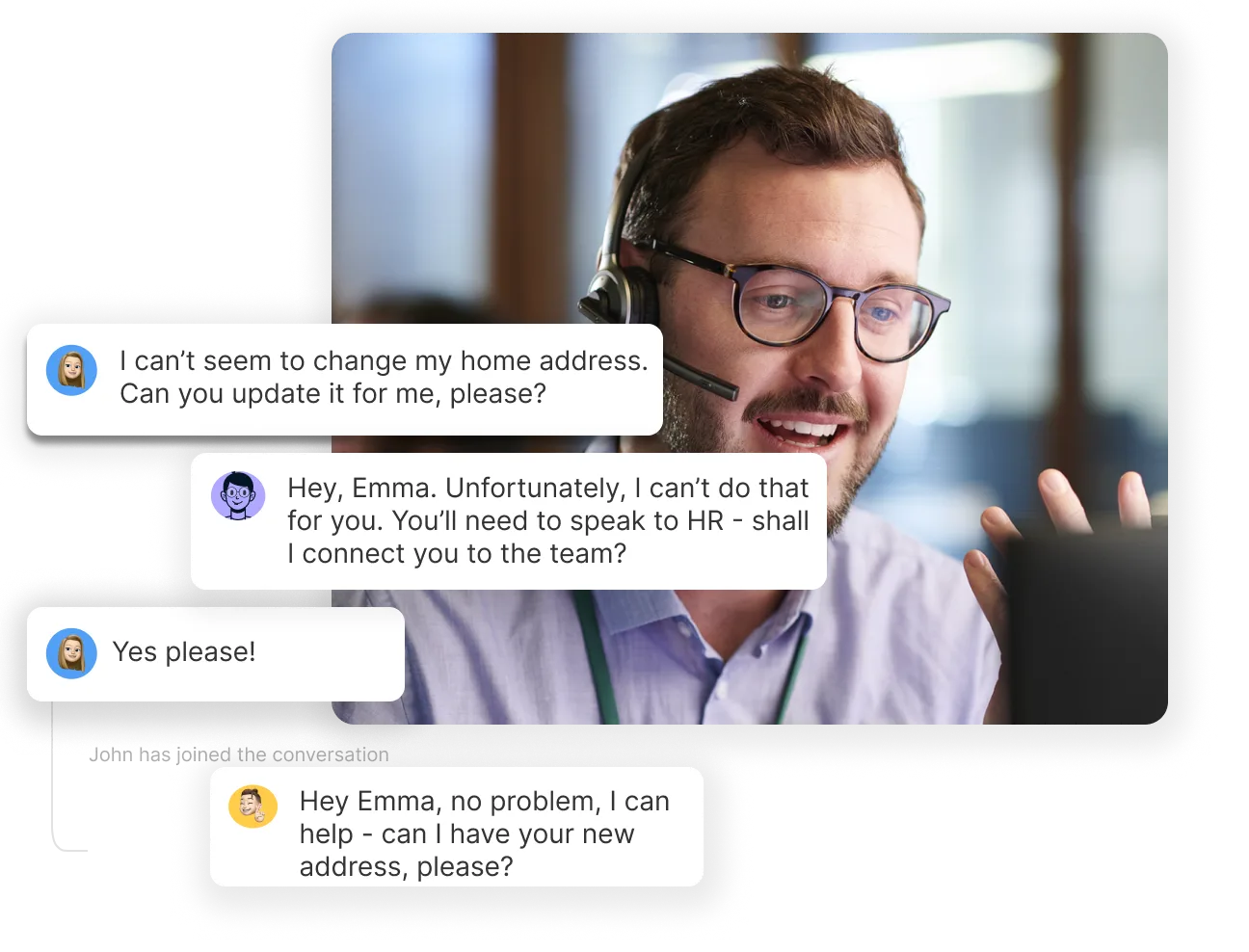
- Hands off to AI Ticketing when it can't answer
AI Ticketing
Tickets where AI drafts and humans approve. Every action audited. Built for IT helpdesks, CX, and HR.
- Approvals are first-class
- Full audit trail per ticket
- Triggerable from Workflow Builder
Workflow Builder
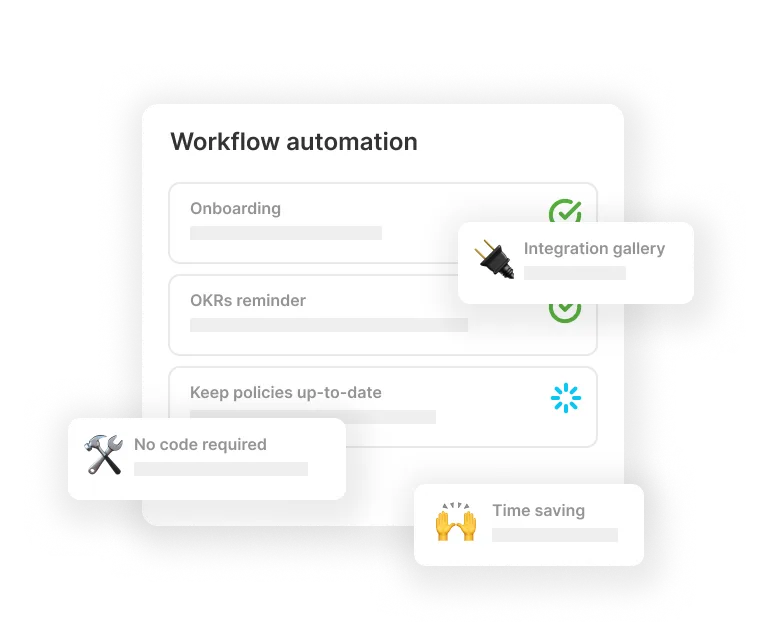
A visual canvas for AI workflows. Drag triggers, steps, MCP tools, skills, and approval gates.
- Schedule, webhook, ticket, and email triggers
- Calls any MCP or skill in your library
- Approval steps with audit logs
FAQ
How the apps fit together.
What's the difference between Chatbots and AI Ticketing?
Chatbots answer questions directly from the knowledgebase you point them at — your docs, your site, your drives — through a web widget, Slack, or the embeddable SDK. When a chatbot can't answer, it hands off to AI Ticketing, where AI drafts the response and a human approves it, with every action audited.
Can the Workflow Builder call any MCP tool?
Yes. Workflows can call any MCP connector or skill in your library, triggered by schedules, webhooks, tickets, or email, with approval gates and audit logs on every step.
Do the apps need separate setup?
No. All three apps plug into your Harriet control plane and deploy from one place, so they inherit the governance, permissions, and audit trail you already configured.